

Ogma MCP Server Setup
The Ogma MCP server (ogma-mcp) lets compatible AI assistants inspect project context and, when enabled, drive the embedded browser, send requests, run workflows, and collect evidence. Its note/todo tools are an in-memory MCP-session scratchpad, separate from the app's persistent Notes page.
MCP is for external tools such as Codex, Claude Code, Cursor, and other Model Context Protocol clients. It is not the same feature as the in-app Workspace AI assistant.
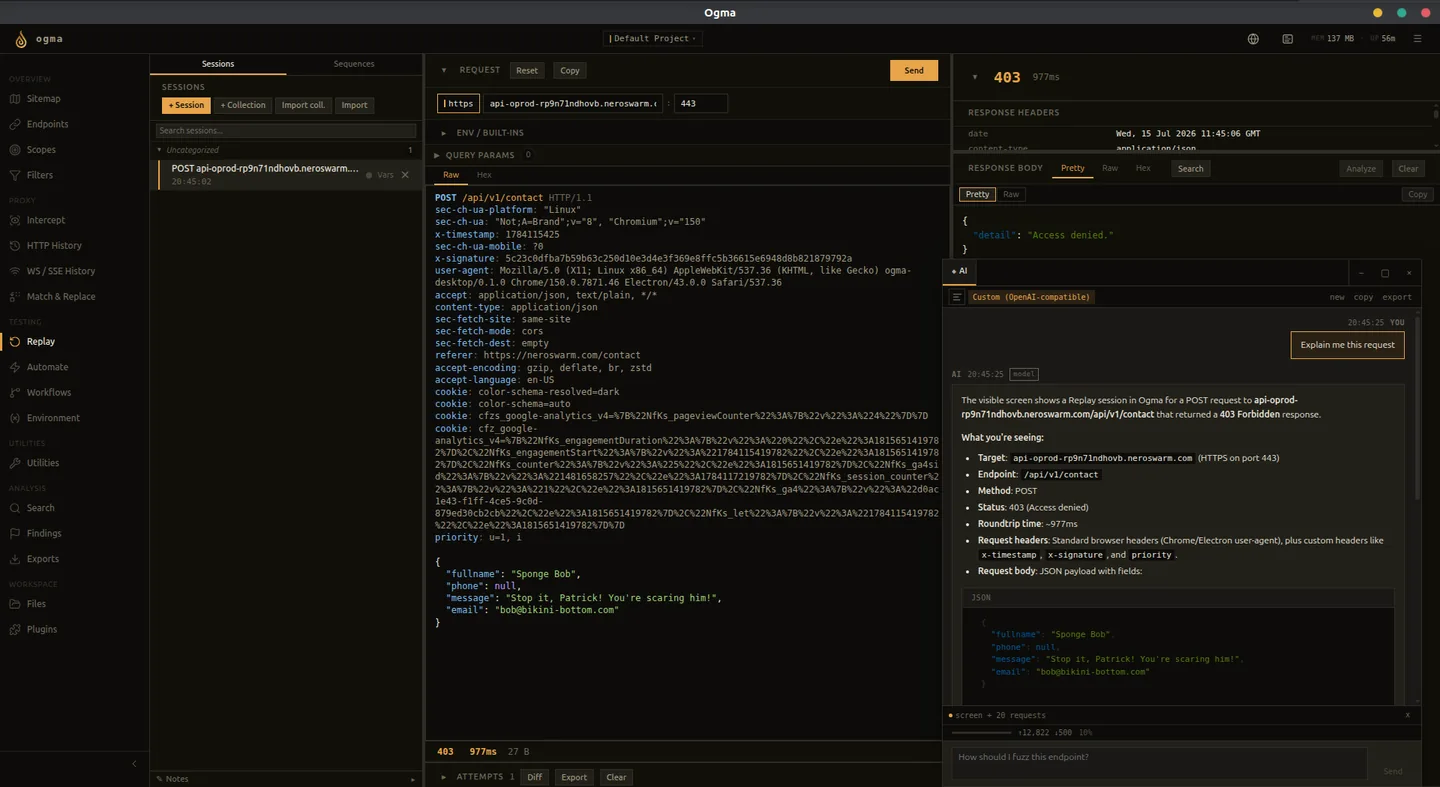
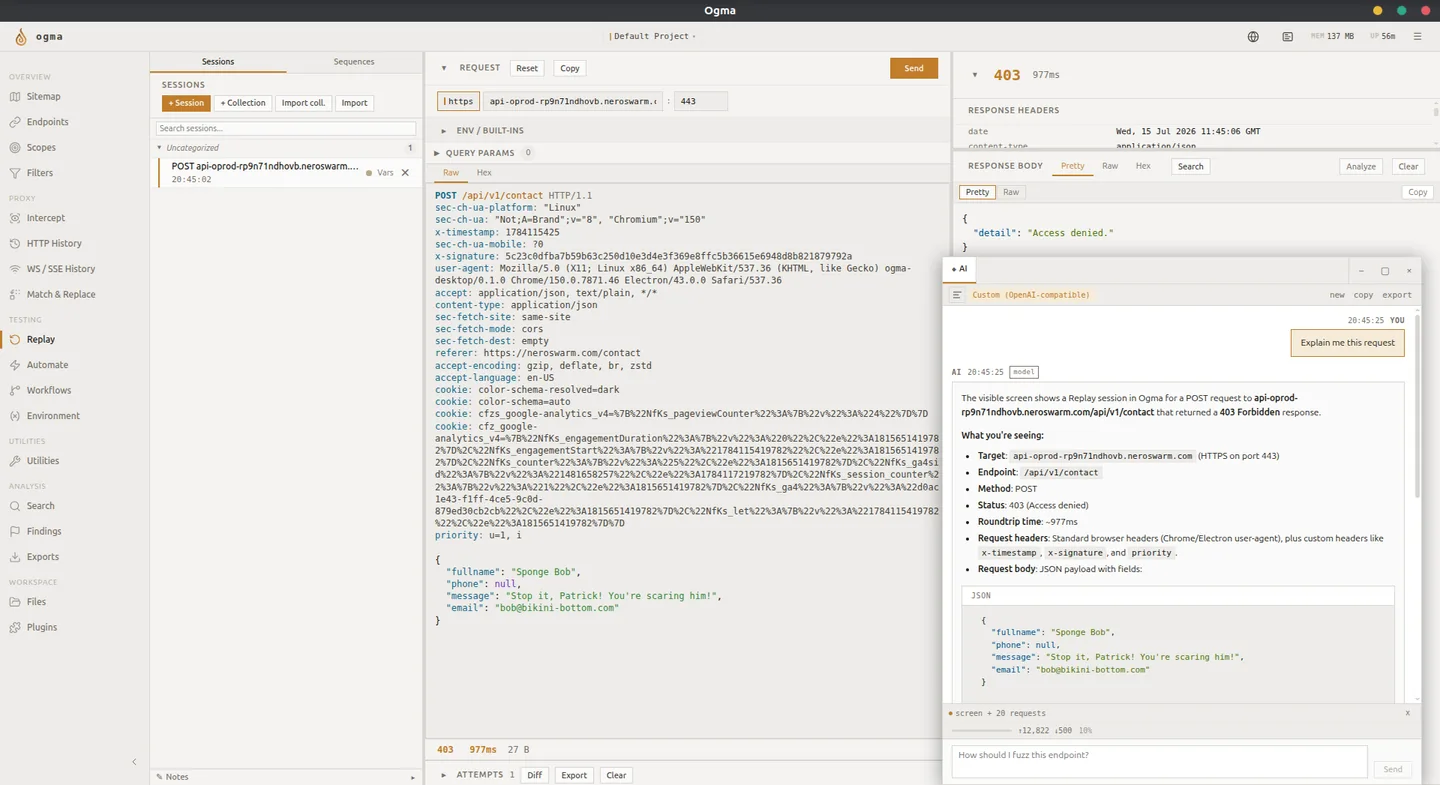
For the full resource and tool list, see MCP resources and tools.
Quick Start: Desktop App
- Start Ogma and open the project the agent should inspect.
- Open Settings > MCP, choose the required permissions, and save. Browser interaction requires Replay send.
- Click Start and copy the displayed endpoint, normally
http://127.0.0.1:3000/mcp. - Add it to your MCP client as a Streamable HTTP server.
- Ask the agent to call
ogma_explain_capabilitiesand readogma://project/currentto check the connection and active project.
No separate binary build is needed for this route. For page navigation, forms, login journeys, and troubleshooting, see Browser automation with MCP.
Connection Addresses
| Surface | Default address | Purpose |
|---|---|---|
| MCP transport | http://127.0.0.1:3000/mcp | Native MCP clients connect here. |
| Backend REST API | http://127.0.0.1:8181 | Standalone MCP's --api-url and the management/bridge routes below. |
| Proxy listener | 127.0.0.1:8080 | Captures browser traffic; this is not an MCP endpoint. |
Desktop instances can assign the backend API port dynamically. Use the actual running instance's address for stdio/REST integrations, and the endpoint displayed in Settings for native MCP. A cloud chat service cannot reach your loopback address without a local client/connector.
The HTTP endpoint is stateful: let the client handle initialization and session headers. There is no separate legacy /sse endpoint. Custom clients should follow the MCP transport specification.
When to Use MCP
Use MCP when an external assistant should help you:
- Summarize captured traffic.
- Triage findings.
- Draft evidence-based report text.
- Review workflows and Replay sessions.
- Prepare scoped actions that you explicitly approve.
Use Workspace AI when you want the embedded assistant window inside Ogma instead.
Standalone Requirements
Use stdio when your client needs to launch a local executable instead of connecting to the embedded HTTP endpoint.
- Ogma backend running at its actual API address (CLI default:
http://127.0.0.1:8181) - The
ogma-mcpbinary (built from source)
Build
bash
cargo build --locked --bin ogma-mcp --releaseThe default output is target/release/ogma-mcp (ogma-mcp.exe on Windows), unless your Cargo target directory is customized.
Run
bash
# Connect to Ogma running on the default port
./ogma-mcp

# Connect to a custom address
./ogma-mcp --api-url http://127.0.0.1:9090

# Use a larger body preview
./ogma-mcp --body-preview-bytes 2048
The server exits if it cannot reach the Ogma API. Configure the MCP client to launch this command; stdout carries MCP messages and stderr carries diagnostics. Stdio permissions come from its own flags, not the embedded MCP settings.
Tool Discovery
The current server always advertises its full tool catalogue. There is no tool-profile selector in Settings. Older --tool-profile, --mcp-tool-profile, and OGMA_MCP_TOOL_PROFILE values are accepted for compatibility but do not hide tools or grant permissions.
For a large catalogue, start with ogma_explain_capabilities and ogma_find_tools rather than guessing inputs. Search task keywords to shortlist tools, then query an exact tool name to inspect its contract. The browser and search dispatchers offer convenient entry points; dedicated tools remain available directly. See tool discovery and dispatch.
In-App MCP Settings
Packaged Ogma builds can manage MCP from Settings > MCP. Use the settings screen when you want Ogma to start or stop the embedded MCP process for the active instance.
Use the standalone ogma-mcp binary when your AI client expects to launch the MCP server directly.
Saving settings automatically restarts a running embedded MCP process. Reconnect clients afterward; old session IDs and confirmation tokens cannot be reused. Runtime diagnostics displays recent process output.
Ogma also exposes MCP management through its local REST API. These routes are on the backend API port, not the dedicated MCP port. They are used by the settings screen and the in-app AI bridge:
| Endpoint | Purpose |
|---|---|
GET /mcp/status | Return { running, pid, endpoint, config, diagnostics }. endpoint is null when stopped; diagnostics contain recent { stream, message } records. |
POST /mcp/start | Start embedded MCP with the persisted settings and return status. No body. Returns a conflict if already running. |
POST /mcp/stop | Stop the embedded MCP child process. |
GET /settings/mcp | Return the persisted MCP configuration. |
PUT /settings/mcp | Accept a complete configuration object, save it, and restart MCP if running. Return the accepted configuration or an error. Only loopback bind hosts are allowed. |
GET /mcp/tools | Return { tools, config }, including each tool's inputSchema. This REST catalog is not paginated. |
POST /mcp/tools/call | Call one tool with { "name": "ogma_explain_capabilities", "arguments": {} }. Returns { "result": "..." }; parse that text as the tool's JSON envelope. This is not a native MCP result with image blocks. |
The REST bridge uses persisted permissions but does not require the separate HTTP MCP child to be started. It shares one bridge session for the backend/configuration. Prefer native MCP for isolated client sessions and image output.
For bridge failures, parsing result yields { "error": "..." } containing the serialized error envelope. Check that value rather than treating an HTTP-success status as tool success.
Default persisted MCP configuration:
json
{
  "bind_host": "127.0.0.1",
  "port": 3000,
  "allow_write_findings": false,
  "allow_export_data": false,
  "allow_read_secrets": false,
  "allow_send_requests": false,
  "allow_run_workflows": false,
  "allow_intercept_control": false,
  "tool_profile": "full"
}
Allowed bind hosts are 127.0.0.1, localhost, and ::1; ports must be 1024 through 65535. This build does not configure authentication for network-exposed MCP, so public bind addresses are rejected. Legacy allow_public_bind and acknowledge_write_tool_risk fields do not override this restriction.
Claude Code
For the running desktop endpoint:
bash
claude mcp add --transport http ogma http://127.0.0.1:3000/mcpUse the endpoint displayed by Ogma if different. See Claude Code's MCP configuration for configuration scopes and stdio options. Verify with: "What projects does Ogma have?"
Cursor
Merge this entry into your project's .cursor/mcp.json or user-level ~/.cursor/mcp.json:
json
{
  "mcpServers": {
    "ogma": {
      "url": "http://127.0.0.1:3000/mcp"
    }
  }
}
Enable the connection in Cursor's MCP settings. See Cursor's MCP documentation.
Stdio Client Configuration
Clients that launch an executable can use this server entry, adjusting their configuration file location as needed:
json
{
  "mcpServers": {
    "ogma": {
      "command": "/absolute/path/to/ogma-mcp",
      "args": ["--api-url", "http://127.0.0.1:8181"]
    }
  }
}
On Windows, use the executable's full path and escape backslashes in JSON. Some clients also require "type": "stdio". Add permission flags to args as needed.
Permissions
All six privileged capabilities are disabled by default. Read their current values from ogma://mcp/permissions. A listed tool may still reject execution until its capability is enabled. The full flag/environment-variable table is in the CLI reference.
Browser interaction, context management, project switching, and all authentication journey calls require --allow-send-requests. Browser observation can inspect an already-running browser without enabling its control tools. --allow-read-secrets (or OGMA_MCP_ALLOW_READ_SECRETS=true) separately permits unmasked environment-variable values.
The server has no per-minute or per-session activity quotas. Individual tools still enforce their input sizes, batch sizes, scope checks, and timeouts. The old send/workflow quota flags are no longer supported.
Read-Only Mode
By default, the MCP server is read-only. These operations are not available unless explicitly enabled:
- Sending requests (Replay)
- Driving the embedded browser, crawler, auth capture, and active probe helpers
- Running workflows
- Creating or modifying findings
- Modifying scope or match-replace rules
- Modifying or forwarding intercepted traffic
- Deleting data
- Accessing secret environment variable values
- Exporting data
Body previews default to 512 bytes. --body-preview-bytes adjusts previews and must be at least 1; it does not cap every tool's output. Use ogma_get_http_entry_body for a full HTTP body or a targeted body search, and ogma_get_ws_message for a complete WebSocket message.
Finding Write Tools
To enable AI-assisted finding creation, restart ogma-mcp with write permissions:
bash
./ogma-mcp --allow-write-findingsOr set the environment variable:
bash
OGMA_MCP_ALLOW_WRITE_FINDINGS=true ./ogma-mcpWrite tools available
| Tool | Description |
|---|---|
ogma_preview_finding_from_evidence | Preview a finding draft from an HTTP entry (read-only, always available) |
ogma_create_finding | Create a finding with severity, status, tags, and evidence links |
ogma_update_finding | Update an existing finding |
ogma_add_finding_tag | Add tags to a finding without replacing existing tags |
ogma_link_finding_evidence | Link HTTP entry, Replay attempt, Automate result, or WS message to a finding |
ogma_delete_finding | Delete one finding |
ogma_export_findings_report | Generate an HTML, Markdown, or PDF report |
The current implementation also uses finding-write permission for shared write tools such as environment-variable updates, history annotations, scope selection, and Match & Replace mutations. See the tool catalog for those actions.
Example: AI-assisted finding creation
With --allow-write-findings:
- "Analyze HTTP entry {id} for security issues. If you find a real issue, use ogma_create_finding to document it."
- The AI will call
ogma_get_http_entryto inspect the request - If evidence supports a finding, it will call
ogma_create_findingwith the evidence linked
Still not available with finding writes only
- Replay sending
- Workflow execution
- Export creation
- Intercept queue control
- Project switching
Export Tools
To enable AI-assisted export job creation, restart ogma-mcp with export permissions:
bash
./ogma-mcp --allow-export-dataOr set the environment variable:
bash
OGMA_MCP_ALLOW_EXPORT_DATA=true ./ogma-mcpExport tools available
| Tool | Permission required | Description |
|---|---|---|
ogma_preview_export_plan | None (read-only) | Preview what would be included in an export |
ogma_list_export_jobs | None (read-only) | List recent export jobs |
ogma_get_export_job | None (read-only) | Check export job status |
ogma_get_export_download_info | None (read-only) | Get download URL for completed export |
ogma_create_export_job | export_data | Create an export job |
Supported export kinds and formats
| Kind | Description | Formats |
|---|---|---|
http_history | All proxied HTTP requests | json, csv, raw_http |
search | Filtered HTTP requests | json, csv, raw_http |
findings | Security findings | json, csv |
automate_results | Automate session results | json, csv |
Note: raw_http format is only valid for http_history and search kinds.
Security warning
Export files may contain full HTTP request and response bodies, which can include passwords, tokens, and personal data. Handle export files with appropriate care.
Still not available with export permissions only
- Export file deletion
- Export file renaming
- Streaming export content through MCP
- Replay sending
- Workflow execution
Replay Request Sending
Warning: this enables sending real outbound HTTP traffic through Ogma Replay.
To enable:
bash
./ogma-mcp --allow-send-requestsOr via environment variables:
bash
OGMA_MCP_ALLOW_SEND_REQUESTS=true ./ogma-mcpPrerequisites
- Ogma proxy must be running
- An active scope must be configured in Scopes for guarded Replay sends
- The target host must be in the active scope
Send tools
| Tool | Permission | Description |
|---|---|---|
ogma_preview_replay_send | send_requests | Prepare a send, get confirmation token |
ogma_send_replay_request | send_requests | Execute send with confirmation token |
ogma_create_replay_session_from_history | send_requests | Create Replay session |
ogma_create_replay_session_raw | send_requests | Create Replay session from a raw request definition |
ogma_browser_form_to_replay | send_requests | Create a Replay session from a form on the live page |
ogma_create_scope_preset | send_requests | Store a scope preset; activate separately with ogma_set_active_scope |
ogma_repeat_request | send_requests | Repeat a captured request with optional changes |
ogma_replay_with_modifications | send_requests | Replay a captured request with field-level overrides |
ogma_http_request | send_requests | Send a direct HTTP request |
ogma_fetch_url | send_requests | Fetch a URL and return status, headers, and preview |
ogma_follow_redirect | send_requests | Follow a redirect chain and report each hop |
ogma_bulk_send_requests | send_requests | Send a bounded batch of requests |
ogma_fuzz_parameter | send_requests | Replace a |
ogma_multipart_upload | send_requests | Send multipart form-data requests for upload testing |
ogma_websocket_connect | send_requests | Connect to a WebSocket URL and exchange messages |
ogma_login_replay_auto | send_requests | Submit a browser login form and capture an auth profile |
ogma_auth_capture_profile | send_requests | Capture browser cookies, storage, auth tokens, and CSRF candidates |
ogma_auth_apply_profile | send_requests | Apply a captured auth profile to the browser |
ogma_auth_refresh_csrf | send_requests | Refresh CSRF candidates from browser state |
ogma_authz_matrix_test | send_requests | Replay one request as multiple auth profiles |
ogma_run_active_probe_workflow | send_requests | Run bounded vulnerability-specific active probes |
ogma_test_race | send_requests | Send one request concurrently and report the responses that deviate from the mode status |
ogma_test_smuggling | send_requests | Send CL.TE and TE.CL request desync probes over raw TCP |
ogma_test_hpp | send_requests | Send HTTP parameter pollution variations |
ogma_run_nuclei | send_requests | Run one bundled or supplied template scanner template against a target URL |
ogma_browser_navigate and browser interaction tools | send_requests | Drive the embedded browser and capture resulting traffic |
ogma_crawl_site | send_requests | Crawl a scoped target through the embedded browser |
ogma_get_replay_session | None | View Replay session metadata |
ogma_get_replay_attempt | None | View Replay attempt metadata |
ogma_list_replay_sessions | None | List Replay sessions |
Two-step workflow
The confirmation-based Replay pair uses two calls:
ogma_preview_replay_send- review the request, get a confirmation tokenogma_send_replay_request- confirm and send with the token
Confirmation tokens expire in 5 minutes, are single-use, and belong to the MCP session that created them. Preview again after changing the request or restarting MCP. This two-step rule does not apply to every send tool: direct HTTP tools, repeat helpers, and browser actions can send immediately when enabled.
Example session
User: Resend HTTP entry abc123 and check the response
AI: (calls ogma_preview_replay_send with http_entry_id="abc123")
    - shows request preview, confirmation token, scope status --
AI: (calls ogma_send_replay_request with confirmation_token and request_hash)
    - shows response status, timing, response preview --
Still not available with request-sending permissions only
- Workflow execution
- Finding creation or update
- Deletion
Keep the active scope narrow before enabling these tools. Scope checks apply on guarded send paths; do not treat scope as a universal firewall around arbitrary browser JavaScript or every direct-fetch helper.
Intercept Control
Warning: intercept control lets an MCP client forward, drop, or modify live traffic currently held in Ogma's intercept queue.
To enable:
bash
./ogma-mcp --allow-intercept-controlOr via environment variable:
bash
OGMA_MCP_ALLOW_INTERCEPT_CONTROL=true ./ogma-mcpIntercept tools
| Tool | Permission | Description |
|---|---|---|
ogma_get_intercept_status | intercept_control | Read request, response, and WebSocket intercept state |
ogma_set_intercept_enabled | intercept_control | Enable or disable intercept modes |
ogma_list_intercept_queue | intercept_control | List currently held items |
ogma_get_intercept_item | intercept_control | Inspect one queued item |
ogma_forward_intercept_item | intercept_control | Forward a queued item, optionally modified |
ogma_drop_intercept_item | intercept_control | Drop a queued item |
ogma_intercept_and_modify | intercept_control | Wait for a matching item, modify it, and forward it |
Workflow Execution
Warning: workflow execution runs workflow logic. Some workflows send HTTP traffic or create findings.
To enable:
bash
./ogma-mcp --allow-run-workflowsWorkflow execution tools
| Tool | Permission | Description |
|---|---|---|
ogma_get_workflow_safety | None (read-only) | Classify workflow side effects |
ogma_preview_workflow_run | run_workflows | Preview and get confirmation token |
ogma_run_workflow | run_workflows | Execute with confirmation token |
ogma_cancel_workflow_run | run_workflows | Cancel a running active workflow |
Preview with workflow_id, plus input for a convert workflow or trigger_entry_id for a captured active-workflow input. Run with the returned confirmation_token and definition_hash; convert workflows also need input_hash and the same input. Tokens expire after five minutes and are single-use. Read the resulting run with ogma_get_workflow_run.
Automate execution is available through its session/run tools with send-requests permission, not workflow-run permission. Listing and inspecting existing runs does not require send permission.
Cross-permission requirements
Workflows that use sdk.requests.send also require --allow-send-requests. Workflows that use sdk.findings.create also require --allow-write-findings.
Detection is based on static text analysis - see the advisory note below.
Safety classification advisory note
Workflow safety classification inspects JavaScript source code text for patterns like sdk.requests.send. This detection is not exhaustive - obfuscated or dynamically constructed SDK method calls may not be detected. Always review workflow JavaScript source before running untrusted workflows.
Still not available with workflow permissions only
- Passive workflow manual triggering
- Deletion
- Env var mutation
Example Prompts
Once connected:
- "Show me the last 20 HTTP requests to example.com"
- "Are there any high or critical findings in this project?"
- "Which workflows are currently enabled?"
- "Check if the HTTPQL query
req.method.eq:\"POST\"is valid" - "Summarize the security state of the current project"
- "Analyze HTTP entry {id} for security issues"
Troubleshooting
Connection refused: Start Ogma first (ogma --data-dir ./ogma-data).
MCP client shows no tools: Check the transport URL or executable path. Clients must follow all tools/list cursors; each page contains up to 40 tools. Check client-side filtering and whether your installed release includes the missing tool.
Invalid session or confirmation token: Reconnect after a restart and generate a fresh preview token.
Browser unavailable or action failed: Keep the desktop app running. Check ogma_browser_health, dialogs, and browser recovery. A headless backend alone does not provide the desktop browser bridge.
Screenshot has no readable text: Use a client supporting native MCP image content, or inspect the semantic snapshot.
Empty results: Ogma needs traffic captured first. Browse with your proxy configured to forward traffic through Ogma.