

Replay
Replay lets you modify and resend any HTTP request, and tracks every attempt so you can compare how changes affect the response.
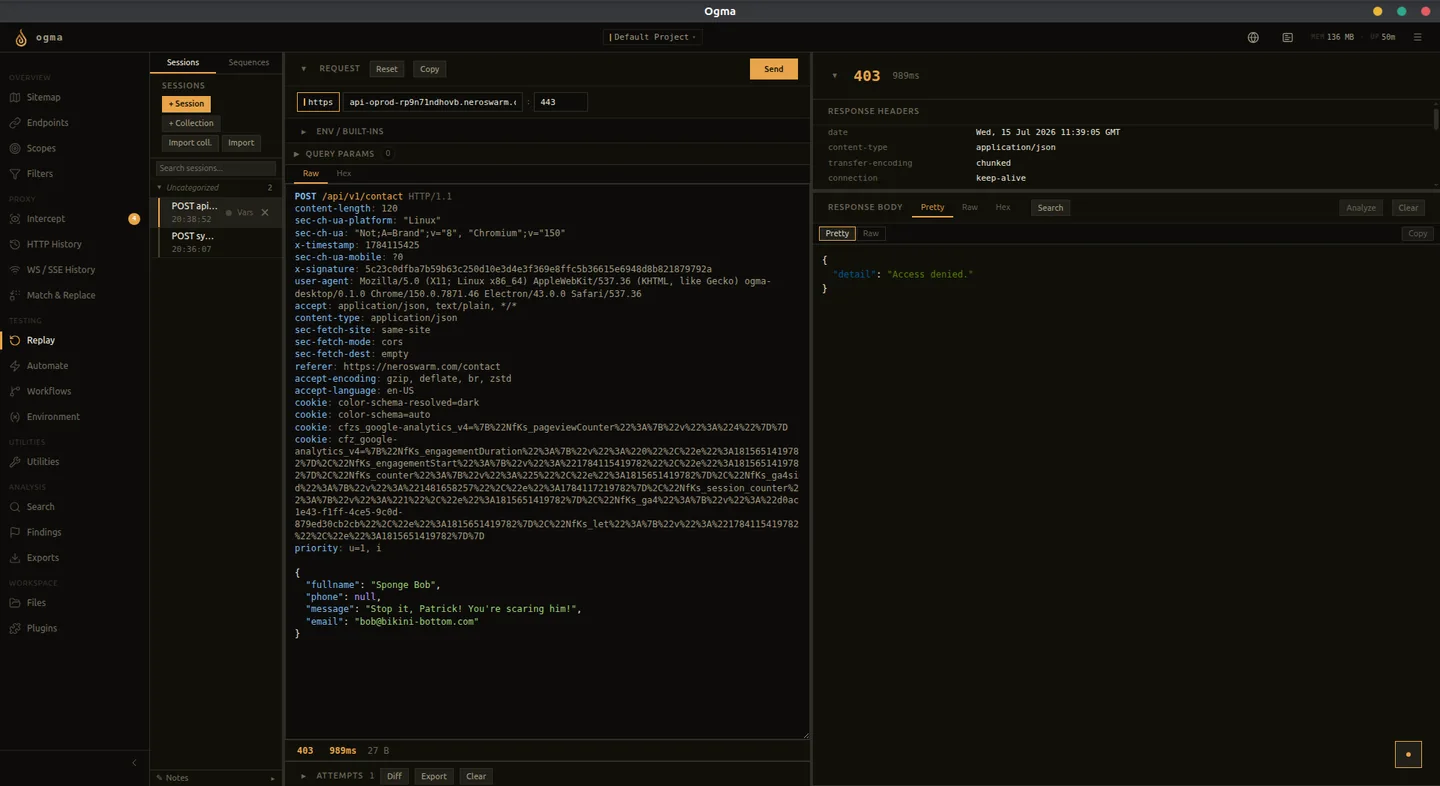
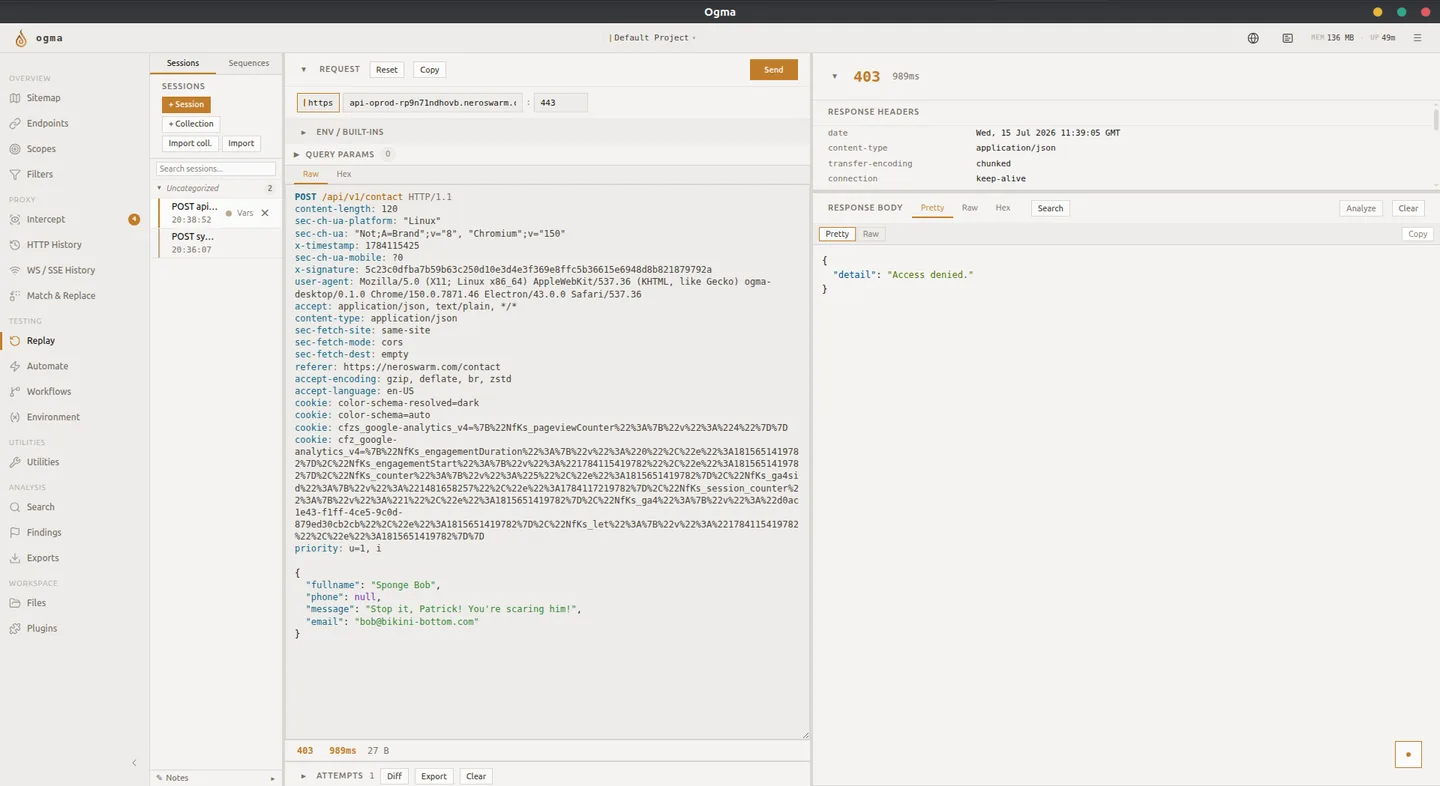
Creating a Session
A Replay session holds one request and its attempts. Common ways to create one are:
- Select a request in HTTP History and choose Send to Replay.
- Select a result row in Automate and choose Send to Replay.
- Open Replay and create a blank session to paste or type a raw request.
- Use Import in the Sessions toolbar to generate sessions from an API definition.
Each session is independent. Open multiple sessions to work on different requests at the same time.
The Request Editor
The editor shows the full HTTP request: method, URL, headers, and body. Edit any field directly.
Choose the request editing mode for the kind of test you are performing:
| Tab | What you can edit |
|---|---|
| Pretty | Syntax-highlighted HTTP text with formatted bodies where supported. Formatting becomes part of the request only when you edit this view. |
| Raw | Editable HTTP/1.x wire text, including visible CR/LF escapes. Sends exact bytes instead of repairing malformed framing. |
| Hex | Byte-level editing of the complete HTTP/1.x request, including binary content. |
| Form | Field-based editing when the body has a supported form encoding. |
The toolbar includes method, HTTP/TLS, target, redirect, Content-Length, timeout, and cookie-source controls. Query Params lets you add, disable, or remove query parameters. Use Load body when a large captured body has not yet been loaded into the editor.
Raw and Hex deliberately bypass variable expansion, cookie replacement, redirects, and Match & Replace rules so malformed-request tests retain their exact bytes. They are HTTP/1.x transports, not a way to construct raw HTTP/2 frames. Use the structured editor for normal replay and inspect the resulting attempt when checking what was sent.
Sending and Comparing Attempts
Click Send to dispatch the request. The response appears in the panel on the right. Each send is stored as an attempt in the Attempts list below the editor.
Expand Attempts if it is collapsed. Selecting an attempt loads that attempt's request and response, not just the latest response. Attempt controls include opening it in Automate, deleting an individual attempt, exporting CSV, and hiding attempts from the view. Hiding them is not the same as deleting them.
Use Open this response in Comparer to inspect differences between responses in the comparison tool. Change one parameter at a time so the observed difference is attributable to that change.
Environment Variables
Use {{env.VAR}} to reference environment, collection, or session variables. Define workspace/global and project values in Environment, then use collection or session variables for local overrides. Enable body templating if you want expansion inside a body; otherwise its bytes are preserved.
Variables are useful for:
- Tokens that change between test sessions
- Account IDs you swap to test access control
- Hosts you switch between staging and production
On structured sends, the most specific value wins: session, collection, project, then global. Missing variables produce an error. See Environment for transforms and dynamic values.
Cookies and Redirects
Choose Request headers to retain the session's Cookie header, Cookie jar to use matching project-cookie-jar cookies, or Ogma Browser to use matching cookies from the embedded browser. These choices apply to structured sends; Raw and Hex preserve the supplied bytes.
Use Edit project cookie jar to manage saved cookies. When following redirects, Ogma follows at most 10 and strips Authorization and Cookie headers when the origin changes. Verify authentication after an origin change rather than assuming credentials were forwarded.
Collections
Collections group related sessions. Create a collection to organize all requests for a specific feature or test scenario.
Collection-level variables apply to all sessions in that collection, so you define a token once rather than per session.
Rename sessions with F2 or the session context menu. Move sessions using Move to collection or drag and drop, and reorder them within a collection. Collections can contain sub-collections and can be exported/imported as JSON. Close above and Close below refer to the vertical session list.
Importing API Definitions
- Click Import in the Sessions toolbar.
- Select a self-contained OpenAPI 3.x document, Postman v2.1 collection, GraphQL introspection result, or WSDL document (maximum 10 MB).
- For GraphQL introspection, supply the HTTP(S) endpoint when prompted.
- Review the generated collection and requests before sending: target URLs, parameters, body examples, and authentication values may require changes for your environment.
Import generates editable requests; it does not run a scan. External schema references are not fetched, so bundle references into the input document. Imported paths also appear in Endpoints with an API-spec source rather than an HTTP History entry. gRPC reflection is not one of the supported import formats.
Sequences
Use the Sequences panel to select at least two existing Replay sessions, name the sequence, and arrange their execution order. A sequence sends real requests, so use known baseline requests and verify the resulting state rather than treating completion as proof of success. Creating a sequence does not automatically discover authentication or token dependencies between its steps.
Sending to Automate
When you want to run variations of a request at scale, select Send to Automate from the session. Ogma opens Automate with the request pre-loaded so you can define payload lists and run the campaign.
WebSocket Replay
WebSocket Replay is a separate view with connection state and a sent/received message timeline. In WebSocket History, use Send to WS Replay, connect, and send the required application-level initialization/authentication messages before testing a modified frame. See WebSocket Replay.
AI Assist
Use Analyze with AI on the response to request analysis of the selected exchange. Review suggested tests and interpretations; the assistant's explanation is not independent proof of a vulnerability.